
Technology
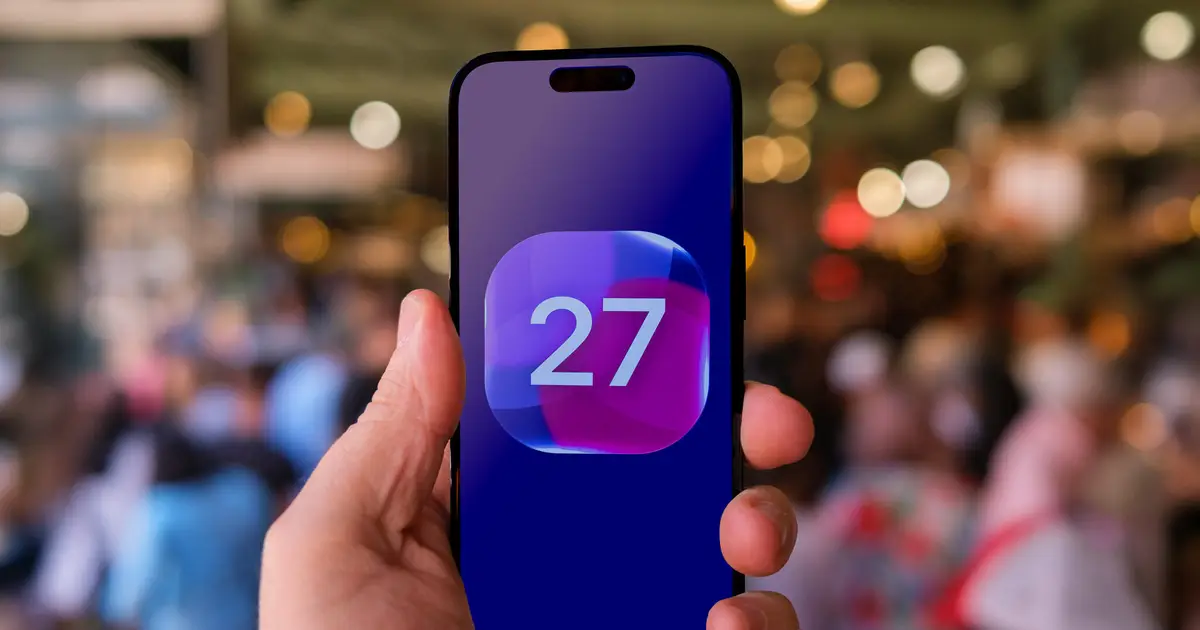
Not Loving Every iOS 27 Change? Here’s How to Roll Back the Worst Ones
You can tone down Liquid Glass, shorten Siri AI's memory and stop subtitles from automatically appearing in videos.

AI Summary
Apple’s iOS 27 is now available for iPhone users, offering faster performance, new AI photo‑editing tools, and an upgraded Siri. The update lets users adjust several settings that many find annoying: they can reduce the intensity of the Liquid Glass effect, shorten the amount of memory Siri AI uses, and disable subtitles that automatically appear in videos. These tweaks give users more control over the new features introduced in the latest operating system.
AI summaries can be wrong sometimes—always verify important details using the source article.
How AI & Automation are usedMore from Technology
Continue reading recent Technology coverage
- Does your iPhone's Safari browser privacy features actually make you safer?Continue reading
- The EU will force data centers to disclose their energy and water useContinue reading
- X now tells users when local laws have reduced their posts' visibilityContinue reading
- This Might Be Why Apple Didn’t Make an iPhone Air 2Continue reading
Support HappeningNow
Independent AI-powered news analysis is reader-supported. Your contribution helps cover infrastructure, summaries, and continued platform development.
Support HappeningNow