
Technology · 12 views
How to record audio on your iPhone
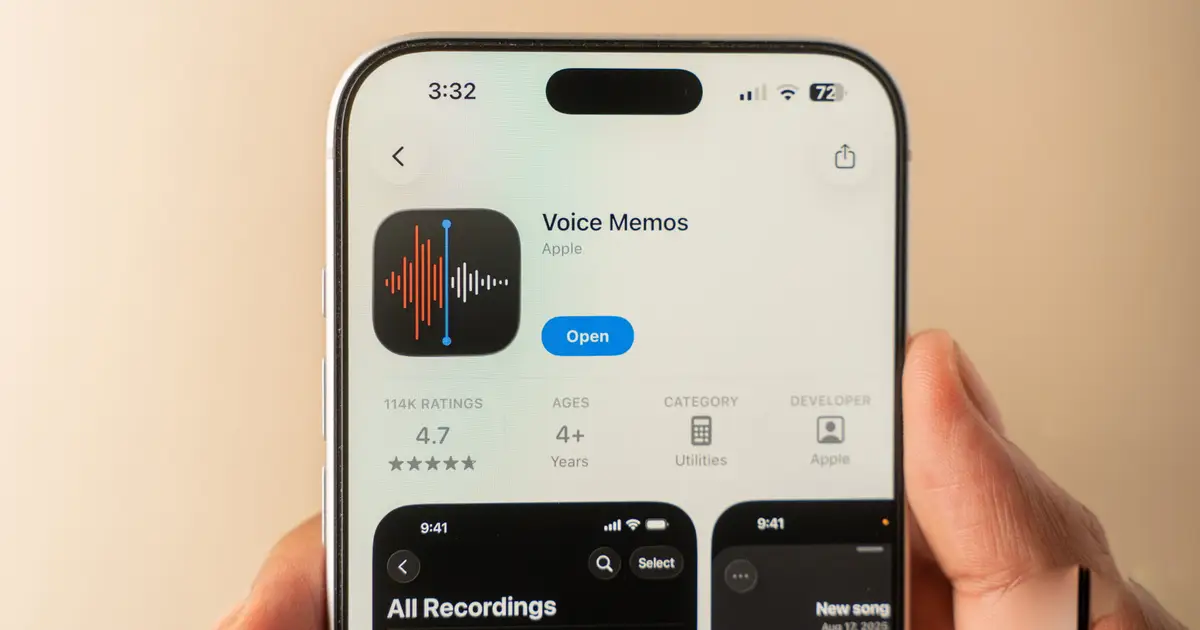
iPhones are known for their quality cameras, but what about when you only want to record audio? Maybe you're interviewing someone, or want to record a class or meeting.

AI Summary
Apple’s built‑in Voice Memos app lets users record audio on any modern iPhone without installing third‑party software. The app is available on all current iPhone models and can capture interviews, lectures, or meetings. Users simply open Voice Memos, tap the record button, and the device records the audio. The recordings are saved locally and can be shared or edited within the app. This feature provides a quick, reliable way to capture sound on the go.
AI summaries can be wrong sometimes—always verify important details using the source article.
How AI & Automation are usedMore from Technology
Continue reading recent Technology coverage
Support HappeningNow
Independent AI-powered news analysis is reader-supported. Your contribution helps cover infrastructure, summaries, and continued platform development.
Support HappeningNow