
Technology
How to properly clean your laptop fan
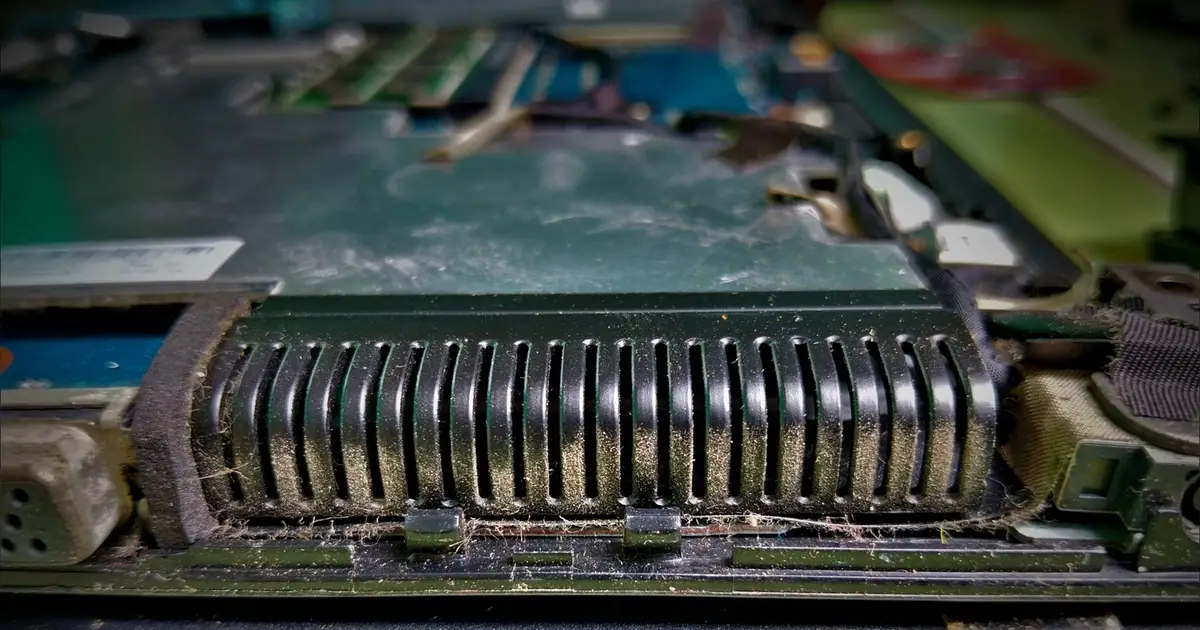
Your laptop fan has probably spent its entire life working inside a cramped chassis, so dust eventually gets an invite. Let too much of it build up around the vents, fan or heat sink and airflow can be hampered.

AI Summary
Dust can accumulate inside a laptop’s cramped chassis, gathering around vents, the fan and heat sink and restricting airflow. When cooling is limited, the processor may enter thermal throttling, lowering performance to keep temperatures in check. Cleaning the fan often doesn’t require opening the machine; the guide advises turning the laptop off, unplugging it and applying short bursts of electronics‑safe compressed air through the vents. Lenovo recommends performing this routine maintenance every three to six months, depending on the surrounding environment.
AI summaries can be wrong sometimes—always verify important details using the source article.
How AI & Automation are usedMore from Technology
Continue reading recent Technology coverage
- You can use your old laptop to make a smart home hubContinue reading
- This Comically Dark PSA Pushes Back Against Big Tech EnshittificationContinue reading
- Kids turned the comment section of an NPR podcast into a group chatContinue reading
- TikTok will pay Alabama $100 million to settle social media addiction lawsuitContinue reading
Support HappeningNow
Independent AI-powered news analysis is reader-supported. Your contribution helps cover infrastructure, summaries, and continued platform development.
Support HappeningNow