
Technology · 1 views
How to Disable Apple Intelligence Features You’re Not Actually Using
If Apple’s AI tech isn’t for you, here’s how you can disable all or parts of it.

Story Brief
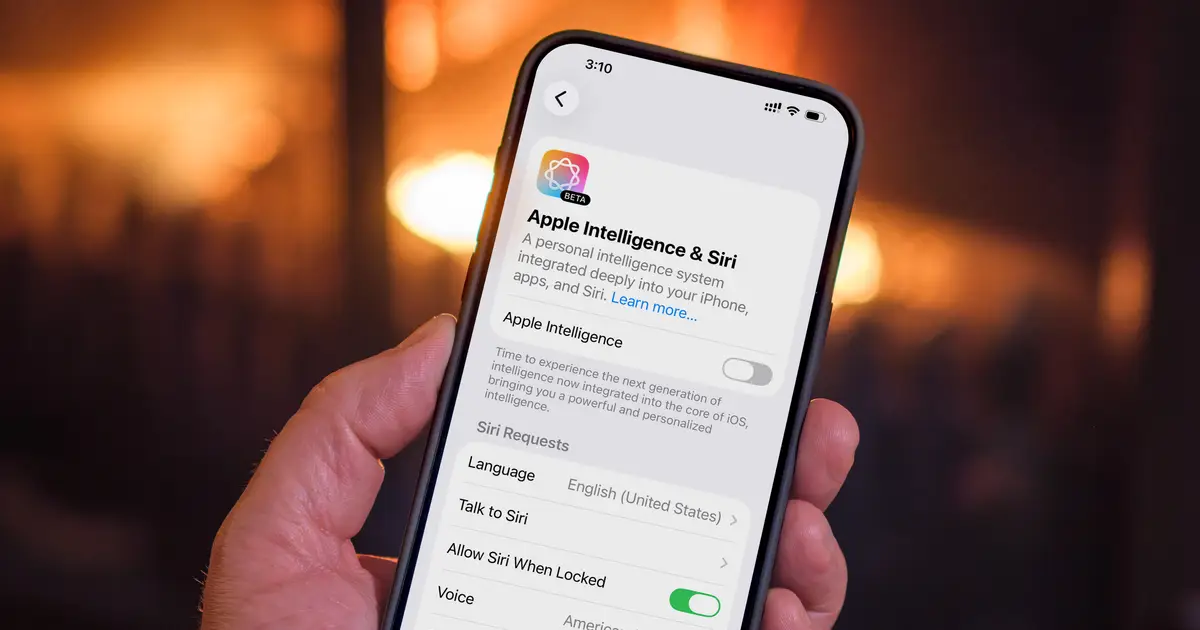
If Apple's AI tech isn't for you, here's how you can disable all or parts of it. If Apple’s AI features aren’t part of your workflow, turning them off frees up storage and background resources in a few steps. Jeff Carlson/CNET Apple Intelligence arrived with iOS 26 turned on by default, which means it’s been running on eligible iPhones and Macs whether their owners engage with it or not.
Read full article on CNETAI summaries can be wrong sometimes—always verify important details using the source article.
How AI & Automation are usedMore from Technology
Continue reading recent Technology coverage
- How to improve your audio quality on Android AutoContinue reading
- A decade's worth of Steam files totaling more than 12TB has leakedContinue reading
- Enormous 12TB Steam leak includes abandoned Half-Life 2: Episode 3 assetsContinue reading
- How to adjust the audio settings for your AirPods (and why you should)Continue reading
Support HappeningNow
Independent AI-powered news analysis is reader-supported. Your contribution helps cover infrastructure, summaries, and continued platform development.
Support HappeningNow