
Technology · 20 views
How to easily factory reset your Fitbit
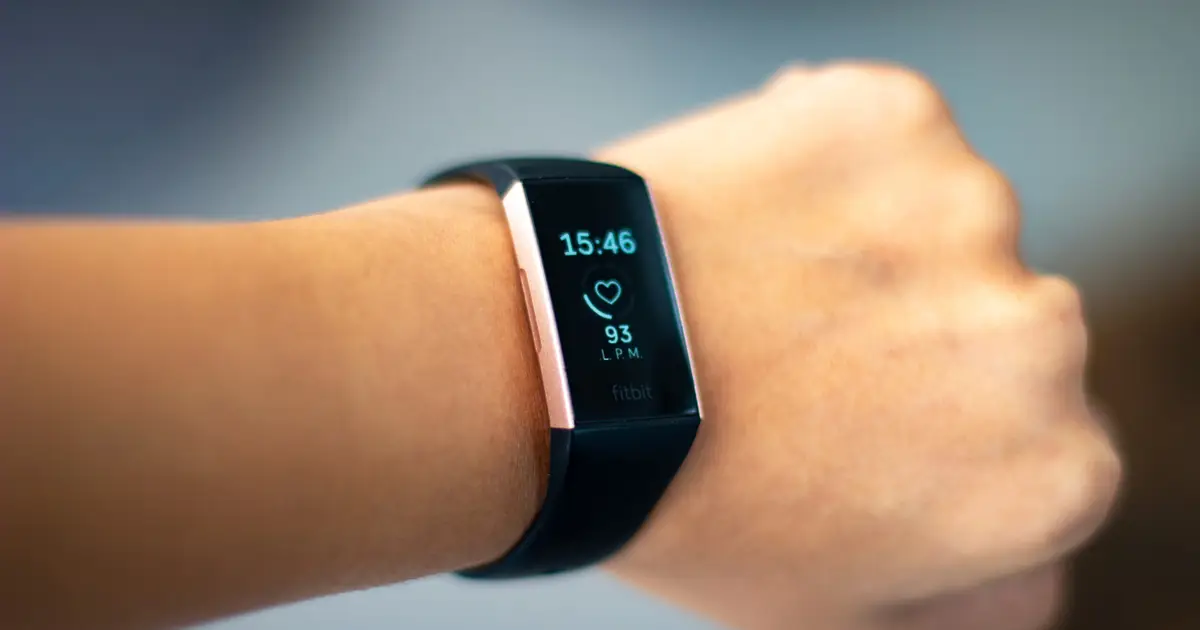
If your Fitbit is acting up, you'll want to restart it, but this is a very different process from a factory reset. You may want to restart your Fitbit if it won't sync with the Google Health app or isn't registering data.

AI Summary
A Fitbit that won’t sync with the Google Health app or fails to register data can be restarted, but this is not the same as a factory reset. A hard restart—pressing and holding a button or buttons until the screen clears—works when the device is unresponsive or frozen. A factory reset erases all unsynced settings and data, returning the wearable to its original state. Use it only when giving the device to someone else, selling it, or for privacy before recycling, or as a last resort if a restart fails to resolve a major issue.
AI summaries can be wrong sometimes—always verify important details using the source article.
How AI & Automation are usedMore from Technology
Continue reading recent Technology coverage
- Your PC's USB port can charge your phone, even when it's turned off — Here's howContinue reading
- 10 things you should never do on your Android phoneContinue reading
- Building your own mini PC is harder than you would thinkContinue reading
- Six products and services Google discontinued in 2026Continue reading
Support HappeningNow
Independent AI-powered news analysis is reader-supported. Your contribution helps cover infrastructure, summaries, and continued platform development.
Support HappeningNow