
Technology · 7 views
How to Disable Apple Intelligence on Your iPhone or Mac and Reclaim Valuable Space
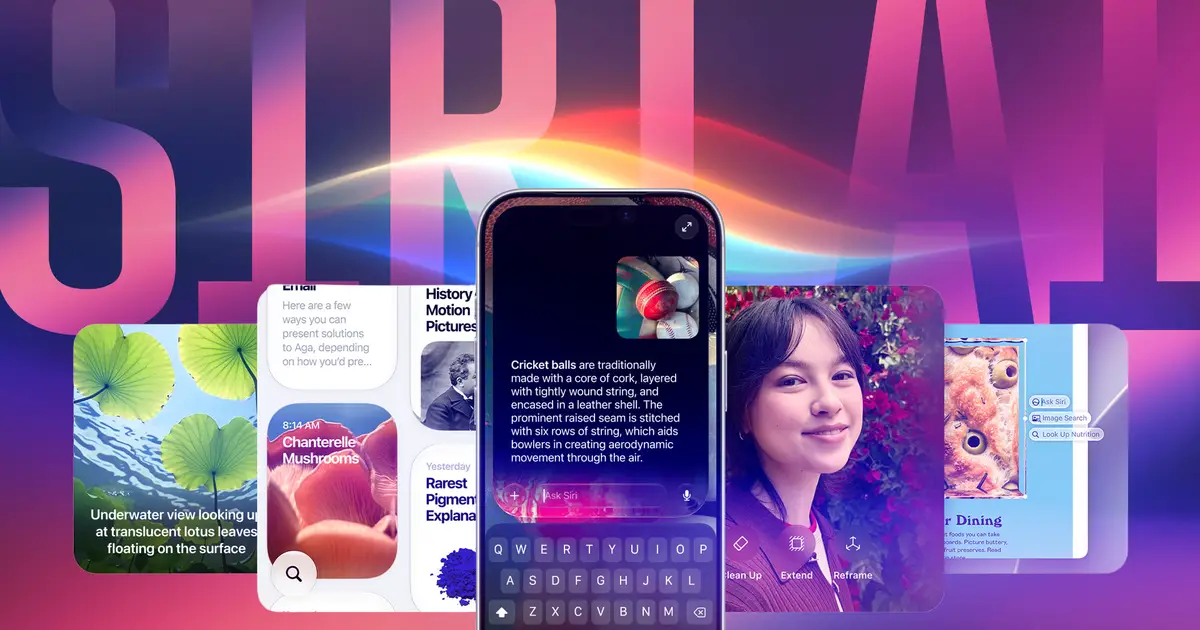
Apple launched iOS 27 and MacOS 27 in September , and those updates introduced a revamped Siri AI powered by Apple Intelligence to Apple devices.

AI Summary
Apple’s September release of iOS 27 and macOS 27 added a revamped Siri powered by Apple Intelligence, which occupies roughly 6.4 GB on an iPhone and about 17.9 GB on a MacBook Neo. The guide explains that users who aren’t using the new AI features can turn them off, freeing that storage. Disabling Apple Intelligence therefore helps postpone low‑storage warnings and preserves space for personal photos and other files.
AI summaries can be wrong sometimes—always verify important details using the source article.
How AI & Automation are usedMore from Technology
Continue reading recent Technology coverage
- How to add and customize your CarPlay widgetsContinue reading
- Vulnerability in agents from Google and others exposes structural flaw in MCPContinue reading
- Are extended warranties on TVs and laptops ever really worth it?Continue reading
- Google Acknowledges Day 1 Android App Performance Issues on New LaptopsContinue reading
Support HappeningNow
Independent AI-powered news analysis is reader-supported. Your contribution helps cover infrastructure, summaries, and continued platform development.
Support HappeningNow